
Bulk Manage Google Workspace
at Spreadsheet Speed
A visual, sheet-based alternative to the Google Workspace Admin Console. Bulk manage users, groups, org units, Chrome OS devices, and licenses in clicks, without writing command-line scripts or wrestling with raw CSV imports.
Free tier included • No credit card required
| A (Email) | B (Role) | C (Status) | |
|---|---|---|---|
| 1 | [email protected] | Admin | Active |
| 2 | [email protected] | Manager * | Active * |
| 3 | [email protected] | Member | Active |
| 4 | [email protected] | Member | Suspended * |
Why workspace administration feels so painful
Managing directory entries at scale forces you to choose between two equally frustrating options.
Option A: The Click-Heavy Console
Google Workspace Admin Console is fine for a single change, but performing bulk tasks (like onboarding 50 new hires or updating 12 groups) is tedious.
Option B: The Command Line Cliff
Command line interfaces (like GAM) are fast but dangerous. There are no safety nets—one minor syntax mistake or mismatched column headers can suspension-lock the wrong accounts instantly.
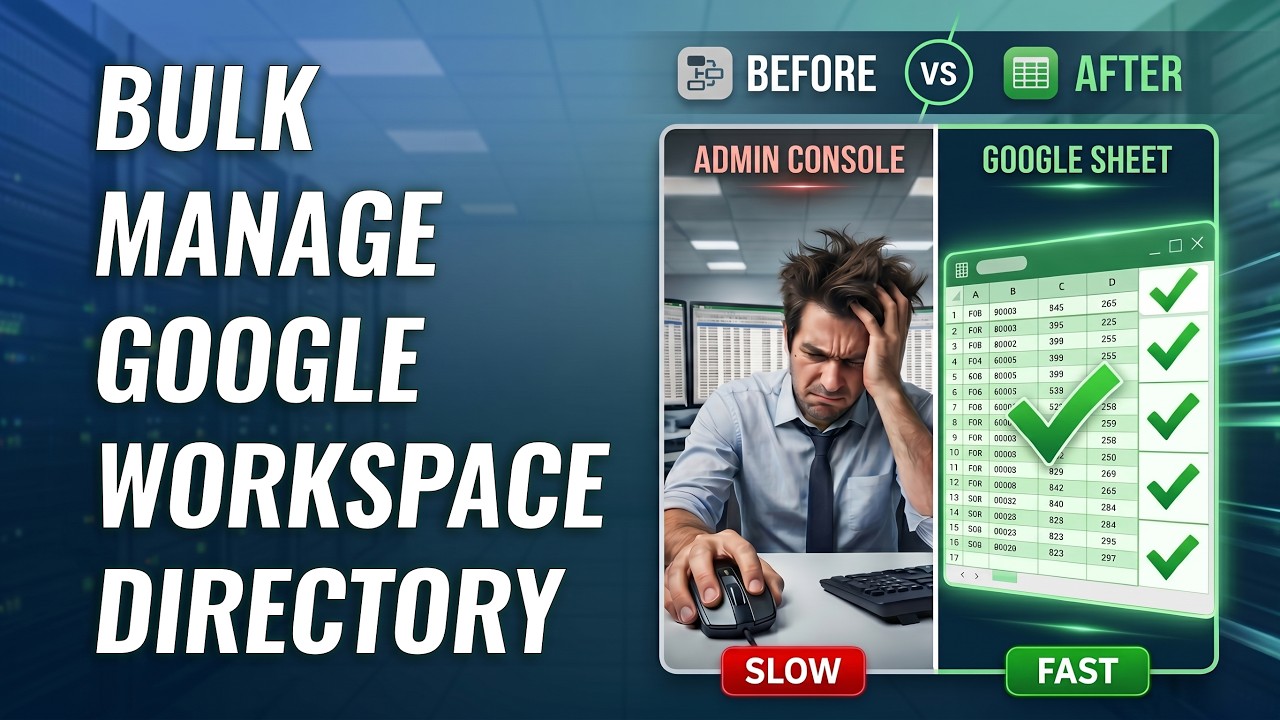
Watch the 2-Minute Walkthrough
Watch our getting started tutorial to see how to install, connect, and perform bulk updates safely and quickly.
See SheetOps in action
Interactive Simulator: Trigger Google Workspace directory updates directly from spreadsheet rows.
| First Name | Last Name | Status | Apply Changes | Change Log | ||
|---|---|---|---|---|---|---|
| 1 | [email protected] | John | Doe | Active | ||
| 2 | [email protected] | Jane | Smith | Active | ||
| 3 | [email protected] | Bob | Jones | Active | ||
| 4 | [email protected] | Alice | Williams | Active | ||
| 5 |
Complete Workspace Administration, Simplified
SheetOps bridges the gap between directory APIs and spreadsheets to give you total control.
Users Management
Perform batch user directory lifecycle edits without navigating complex Google Admin Console menus.
- Onboard & offboard employees in batches — import, create, suspend, or delete accounts in one sync.
- Manage multiple email aliases in a single cell.
- Reset user passwords in bulk with automatic cell-clearing for security.
Google Groups Sync
Update high-volume mailing lists and membership permissions in one sync.
- Update distribution lists instantly — add or remove hundreds of members and external partners without clicking through menus.
- Update member permissions and directory roles (Owner, Manager, Member).
- Track and modify group-level aliases.
Organizational Units (OUs)
Keep your directory structure organized with instant parent-child unit mapping.
- Map structures visually — create nested OUs in bulk by listing parent paths and names (e.g., /Sales/US) directly in cells.
- Bulk move users across nested OU tree paths.
- Rename deep OUs without breaking current user profiles.
Chrome OS Fleet Management
Manage Chromebook lifecycle, organizational unit transfers, and remote commands at scale.
- Bulk deprovision hardware with mandatory Google audit reasons or toggle active/disabled states.
- Issue remote commands in batches: Remote Powerwash, Wipe Users, and Reboot.
- Move hundreds of devices across school grade or department OUs and update Asset ID barcodes.
License Rightsizing & SKUs
Assign, revoke, and swap Google Workspace and Cloud Identity licenses without cryptic SKU codes.
- Bulk assign Google Workspace, Cloud Identity, and Chrome Enterprise licenses from human-readable dropdowns.
- Instantly revoke unused licenses from contractors to reclaim seats and optimize spend.
- Manage secondary add-on licenses (Google Voice, Gemini, Storage) side-by-side without cryptic SKU codes.
Smart Filters & Exports
Extract exactly the records you need instead of downloading full CSV directories.
- Generate org reports instantly — export users grouped by direct manager chains or status filters.
- Filter devices by OU, registration date, sync time, or annotation search query.
- Export targeted license allocations by product and SKU directly into Google Sheets.
A visual safety net for command-line speed
Enjoy the productivity of command-line scripts with the safety and clarity of a visual grid.
Command Line (GAM CLI)
Fast, but error-prone and code-heavy
- Zero Dry-Runs — Commands execute immediately in the cloud with no preview.
- Anxious Execution — A single column typo can update thousands of records incorrectly.
- Requires Scripting — Admin team members must learn terminal syntax and token secrets.
SheetOps Workspace Sync
Visual, controlled, and collaborative
- Visual Verification — Changes highlight in pastel yellow before you sync.
- Selective Sync — Use standard checkboxes to choose exactly which rows sync and which remain unchanged.
- Delegate with Confidence — Safe, collaborative spreadsheet rows allow HR and support staff to run updates without CLI training.
Simple, Transparent Pricing
Start completely free to evaluate, then upgrade to support unlimited updates. No credit card required.
Free Tier
Evaluate SheetOps with no limits on read ops
- 200 free writes per sync (creates, updates, deletes) to test all features.
- Unlimited read operations & exports from Google Workspace.
- Smart filters & directory search queries forever.
Premium Plan
For administrators and HR managers
Or $199 billed annually (~$16.50/mo)
- Unlimited bulk writes, updates, and organizational creations.
- Automated safety checks & delta validation highlights.
- Priority email support directly from engineering.
Frequently Asked Questions
Everything you need to know about security, change tracking, and licenses.
IT Administration Knowledge Base
Explore detailed guides and procedures to safely manage Google Workspace directories at spreadsheet speed using SheetOps.
User Management
Automate user lifecycles, change passwords, and manage profiles.
Chrome OS Devices
Remotely powerwash, wipe, deprovision, disable, and move enrolled Chromebooks.
User Licenses
Bulk assign, revoke, and reassign Google Workspace & Cloud Identity licenses.
Google Groups
Bulk update group distributions, configs, and mailing list parameters.
Group Members
Instantly provision members and update organizational roles.
Organizational Units
Map structures and move users across nested OUs without console delay.
Multi-Client Management
Connect and manage multiple client Google Workspace domains from a single spreadsheet.
Data Filters & Exports
Fetch specific segments of directory data to bypass console timeout limits.